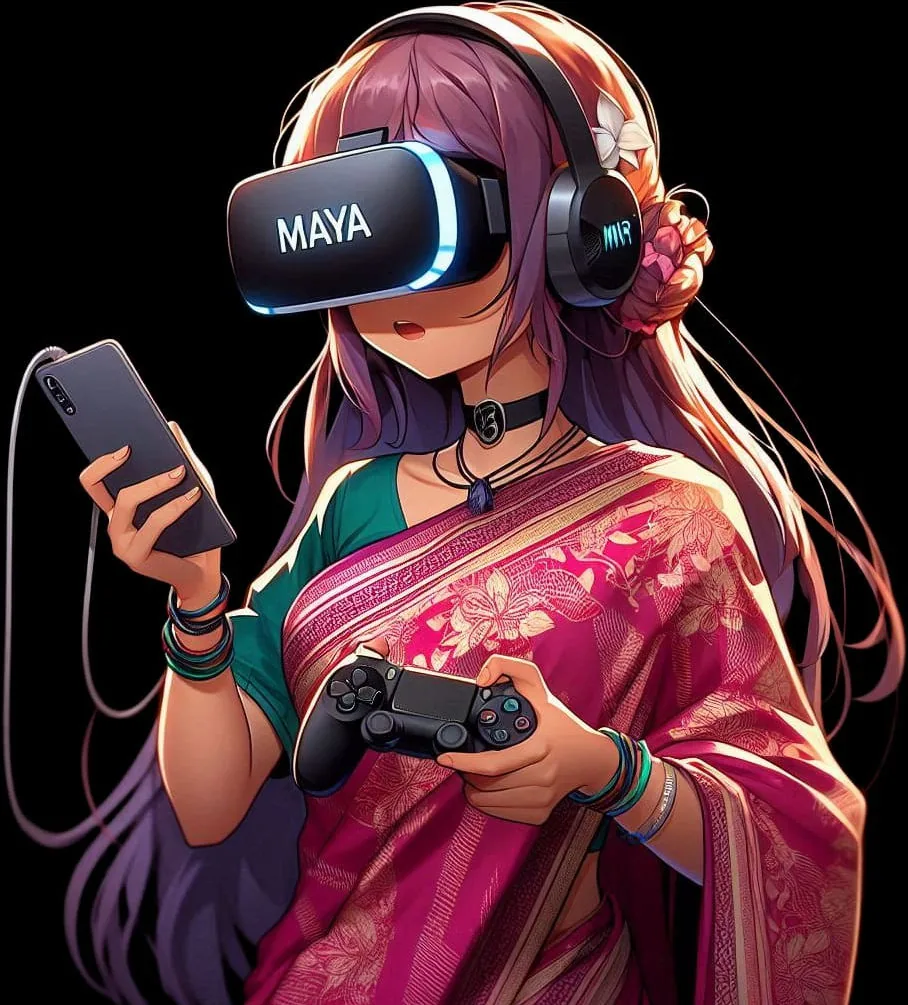
Cloud gaming
Stream PC games directly to Android without installing them. The app uses WebRTC plus Media3 / ExoPlayer (RTSP and DASH) and libVLC for playback.
Founder · MAYA Cloud Gaming · Since May 2024
Play PC games on Android, anytime, anywhere. Cloud gaming built from scratch, with high-quality gameplay and live streaming built in.
MAYA streams PC titles to an Android phone, so you can play games your phone could never install. It is meant to be an alternative to the big cloud-gaming services, with a virtual gamepad on screen and live broadcasting built into the app instead of bolted on.
Stream PC games directly to Android without installing them. The app uses WebRTC plus Media3 / ExoPlayer (RTSP and DASH) and libVLC for playback.
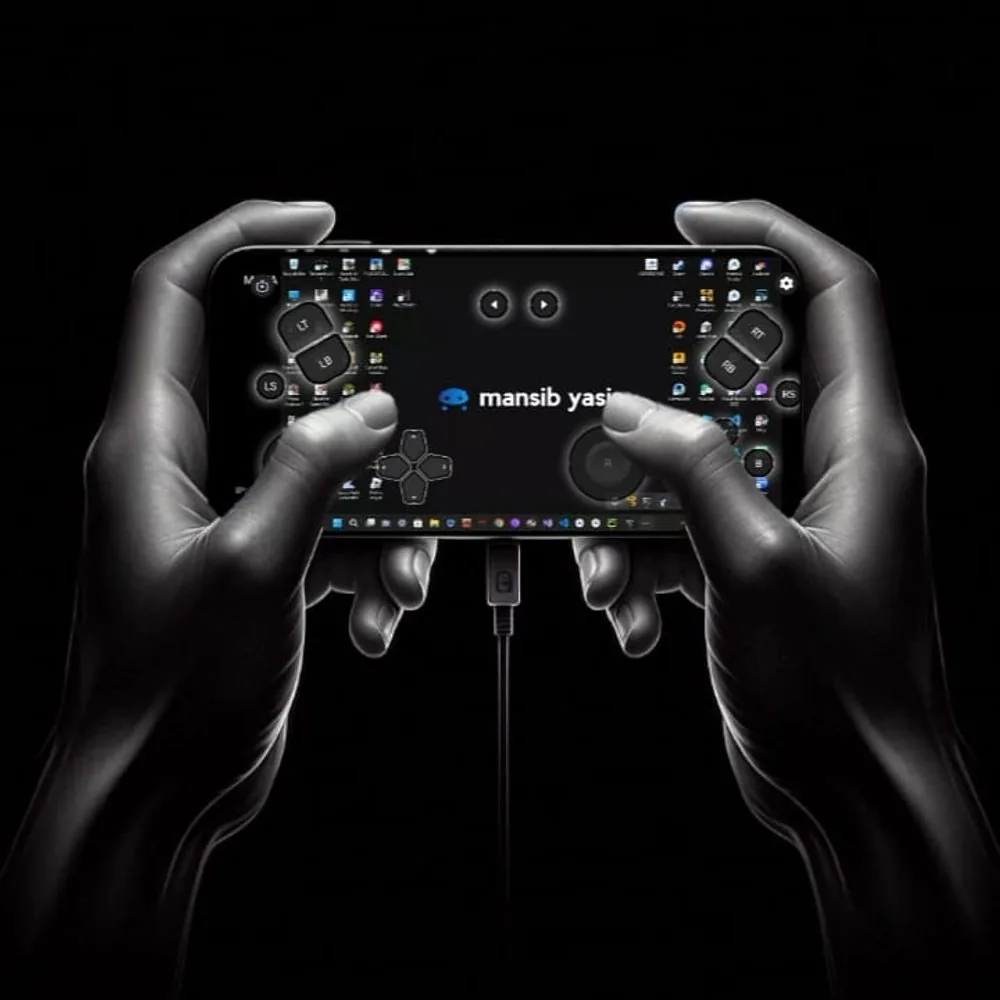
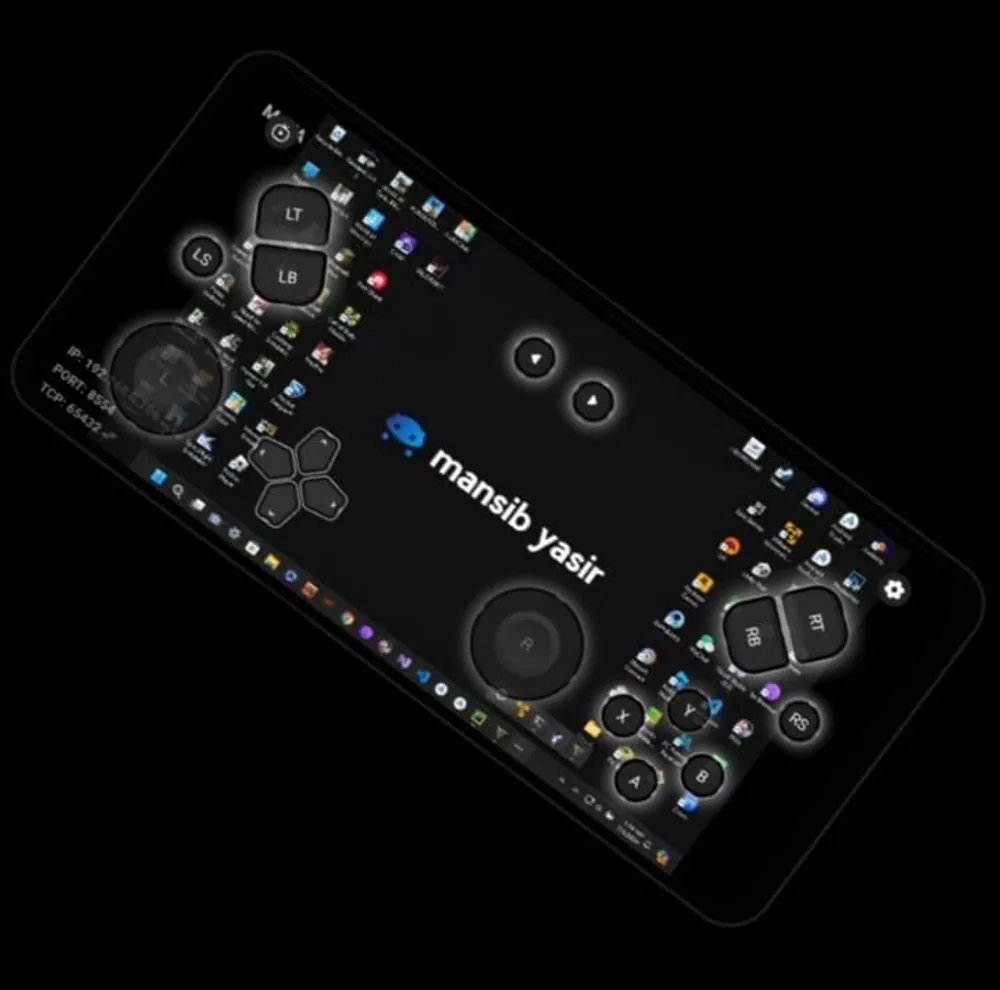
A built-in on-screen controller, so no extra hardware is needed. Inputs travel to the PC, where the gamepad receiver turns them into an Xbox 360 controller.
Go live from a game session straight to YouTube and Facebook, with FFmpeg doing the encoding on the phone.
Clans, friends and multiplayer, plus a social side with reels and For You / Following feeds.
A game store with game details, and a session queue that holds your place when every machine is busy.
A floating player keeps a stream visible while you move around the app.
Early builds of the virtual gamepad running over a streamed Windows desktop.
The PC side of MAYA's controller, open source.
A small Python service that listens on a socket for commands like button,aBtn or left and right stick coordinates, and maps them to a virtual Xbox 360 controller through vgamepad: A, B, X, Y, shoulders, stick clicks, the d-pad, start, back and both triggers. Games on the PC see a normal controller.